
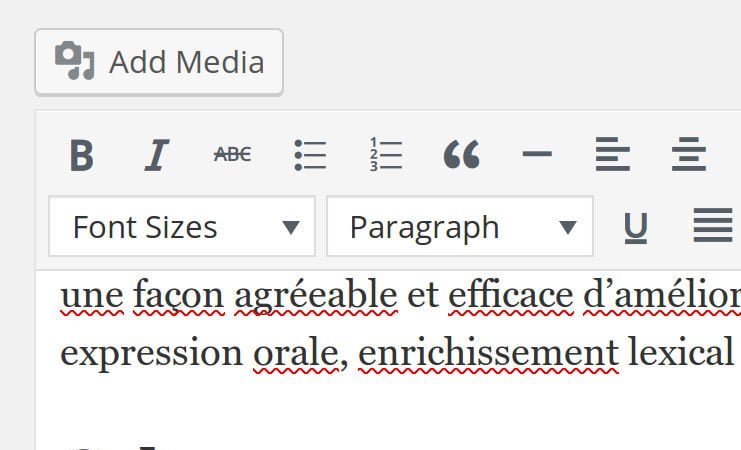
An oldie but a goodie, sometimes the default TinyMCE formatting buttons in WordPress just isn’t enough
I like the WordPress use of TinyMCE, but sometimes you just need a little extra control over the formatting of text. I forgot about this little hack to add additional buttons in TinyMCE by using a simple function in your theme functions.php. This one will add a font size drop down to the toolbar, as well as add some custom font sizes. There are further features that can be added to the toolbar but I couldn’t find the reference for TinyMCE 4, so will post a link to the v3 docs instead
/*
 *
 * Enable font size in TinyMCE
 *
 */

if ( ! function_exists( 'twd_mce_buttons' ) ) {
	function twd_mce_buttons( $buttons ) {
		array_unshift( $buttons, 'fontsizeselect' ); // Add Font Size Select
		return $buttons;
	}
}
add_filter( 'mce_buttons_2', 'twd_mce_buttons' );


/*
 *
 * Add some custom font sizes in TinyMCE fontsizeselect
 *
 */

if ( ! function_exists( 'twd_mce_text_sizes' ) ) {
	function twd_mce_text_sizes( $initArray ){
		$initArray['fontsize_formats'] = "9px 10px 11px 12px 13px 14px 16px 18px 21px 24px 28px 32px 36px";
		return $initArray;
	}
}
add_filter( 'tiny_mce_before_init', 'twd_mce_text_sizes' );